How to Play Bingo Online with Your Team (No Downloads Needed)
Remote work doesn't have to mean boring meetings. Online bingo is one of the easiest and most fun ways to bring your team together, whether you're onboarding new hires, running an all-hands, or just need a Friday afternoon activity everyone will actually enjoy.
The best part? Your players don't need to download anything or create an account. Just share a link.
Why Bingo Works So Well for Teams
Bingo is simple enough that anyone can play immediately, but engaging enough to keep people focused. Unlike trivia (where only the knowledgeable win) or icebreaker questions (where introverts dread their turn), bingo gives everyone an equal shot and keeps the energy light.
It works for teams of 5 or 500, and it adapts to any context, company values, onboarding, holiday parties, all-hands meetings, or just a casual team hangout.
What You Need to Host Online Bingo
- A bingo platform (like BingoGoat)
- A list of words or phrases relevant to your team
- A video call (Zoom, Teams, Google Meet) if you want to call numbers live
- 10 minutes of setup time
That's it.
Step-by-Step: Setting Up Your Online Bingo Game
Step 1: Create Your Game
Go to BingoGoat and sign in with Google. Click New game and choose your settings:
- Grid size: 3×3 for quick games, 5×5 for longer sessions
- Mode: Words bingo (custom phrases) or Numbers bingo (classic 1–75 or 1–90)
- Free space: Toggle on for a center free square
Step 2: Add Your Words
Type in custom words or phrases relevant to your team. Not sure what to use? BingoGoat can generate them for you using AI, just describe your theme (e.g. "company values" or "product launch meeting") and it'll suggest a full list.
Some ideas for team bingo cards:
- Job titles and department names
- Company values or mission statement words
- Inside jokes or office phrases ("circle back", "let's take this offline")
- Product names or features
- Names of team members
Step 3: Launch and Share the Link
Click Launch game. BingoGoat generates a unique link for your players. Share it in your Slack channel, email, or drop it in the Zoom chat.
Players click the link, enter their name, and get their own unique randomized bingo card, no two cards are the same.
Step 4: Call the Words
On your host panel, click words one by one to call them. Players mark their cards as each word is called. When someone gets bingo, they click the bingo button, you'll see the claim on your screen and can verify it.
Step 5: Celebrate the Winner
Declare the winner, have them share their screen, and move on to the next round or wrap up. BingoGoat supports multiple rounds so you can play as long as you want.
Tips for a Great Team Bingo Session
Keep rounds short. For a 30-minute meeting slot, a 3×3 or 4×4 grid works better than a full 5×5. You want at least 2–3 winners per session to keep energy high.
Use themed words. Generic number bingo is fine, but custom words tied to your team's context make it 10x more memorable. "Q3 OKRs", "async", "stakeholder alignment", the more specific, the more laughs.
Add a prize. Even a small one. A $10 gift card, a day off, or just the glory of winning in front of the team. It makes people care.
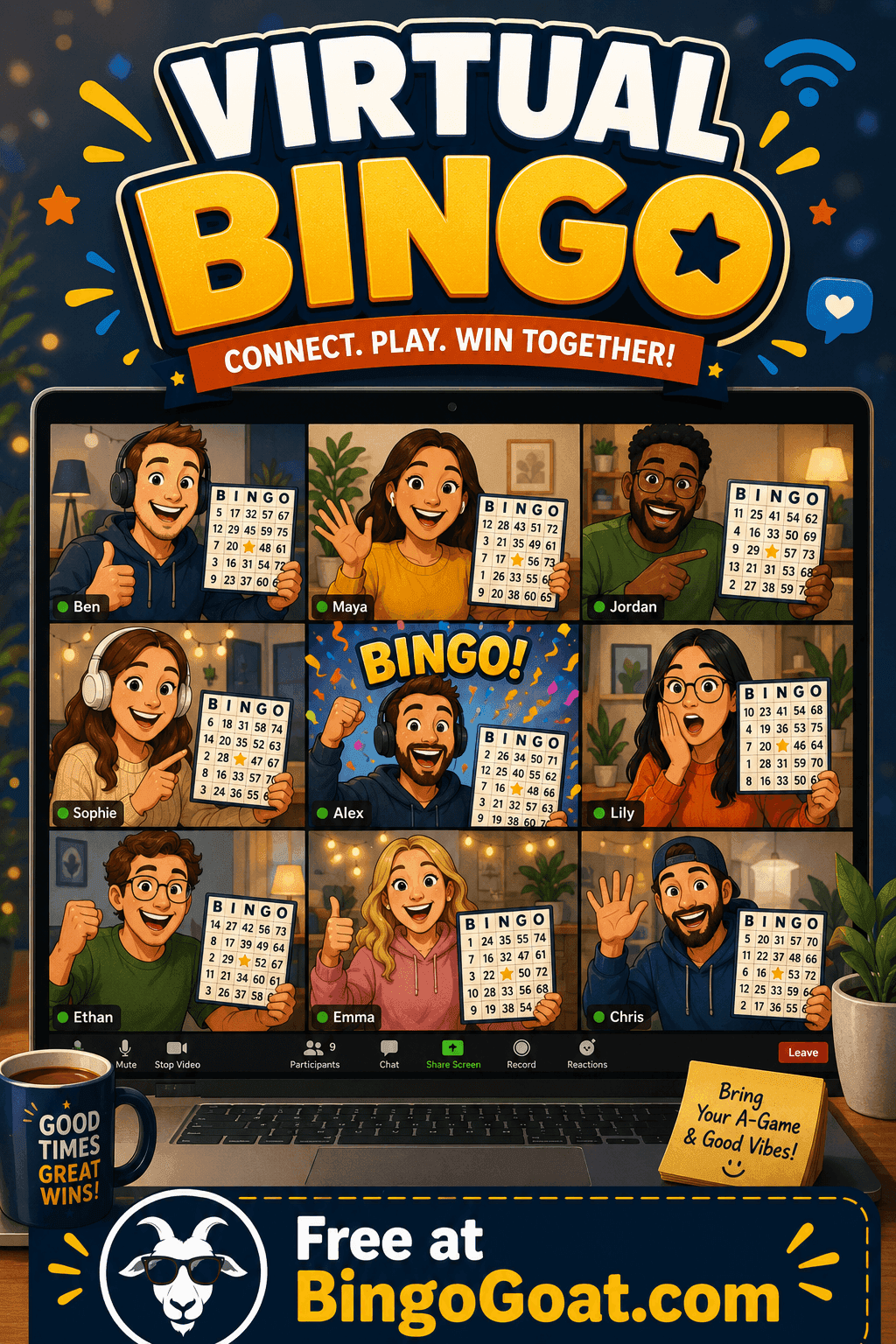
Run it live on a call. Screen-share your host panel while on Zoom or Teams. Players watch words get called in real time while they manage their own cards on their screens.
Frequently Asked Questions
Do players need to create an account? No. Players just click the link and enter their name. No signup, no download.
How many players can join? Free games support up to 5 players. Pro games support unlimited players.
Can I play in French or Spanish? Yes, BingoGoat supports English, French, and Spanish. The game language follows the link URL.
Can I reuse my bingo card? Yes, each player's card is saved in their browser. They can refresh and their card stays the same.
Ready to Play?
Setting up a game takes under 5 minutes. Create your free bingo game on BingoGoat and share the link with your team today.