Shapes Bingo for Kindergarten & Grade 1
Young children learn best when learning feels like play. Bingo gives every student a clear goal, quick wins, and just enough suspense to stay focused, without the pressure of a formal quiz. When the squares are shapes, you turn a classic game into a powerful, low-prep lesson on shape recognition and vocabulary for kindergarten and early Grade 1.
Why bingo works for shape lessons
Shapes are everywhere in the primary classroom: pattern blocks, posters, and real-world objects. Bingo helps kids name what they see and match it to a picture on their card. Because each player gets a different card, everyone stays engaged. You can call shapes by name (“Find the triangle!”) or describe them (“This one has three straight sides”) to build listening skills too.
What K–1 students learn from shapes bingo
At this level, the goals are concrete: recognize circle, square, triangle, rectangle, oval, diamond, pentagon, hexagon, star, heart, and other common forms; use shape words in speech; and start connecting 2D names to visuals. A short bingo round reinforces geometry vocabulary far better than a worksheet alone, especially when you celebrate the first “BINGO!” as a class.
Picture Bingo on BingoGoat
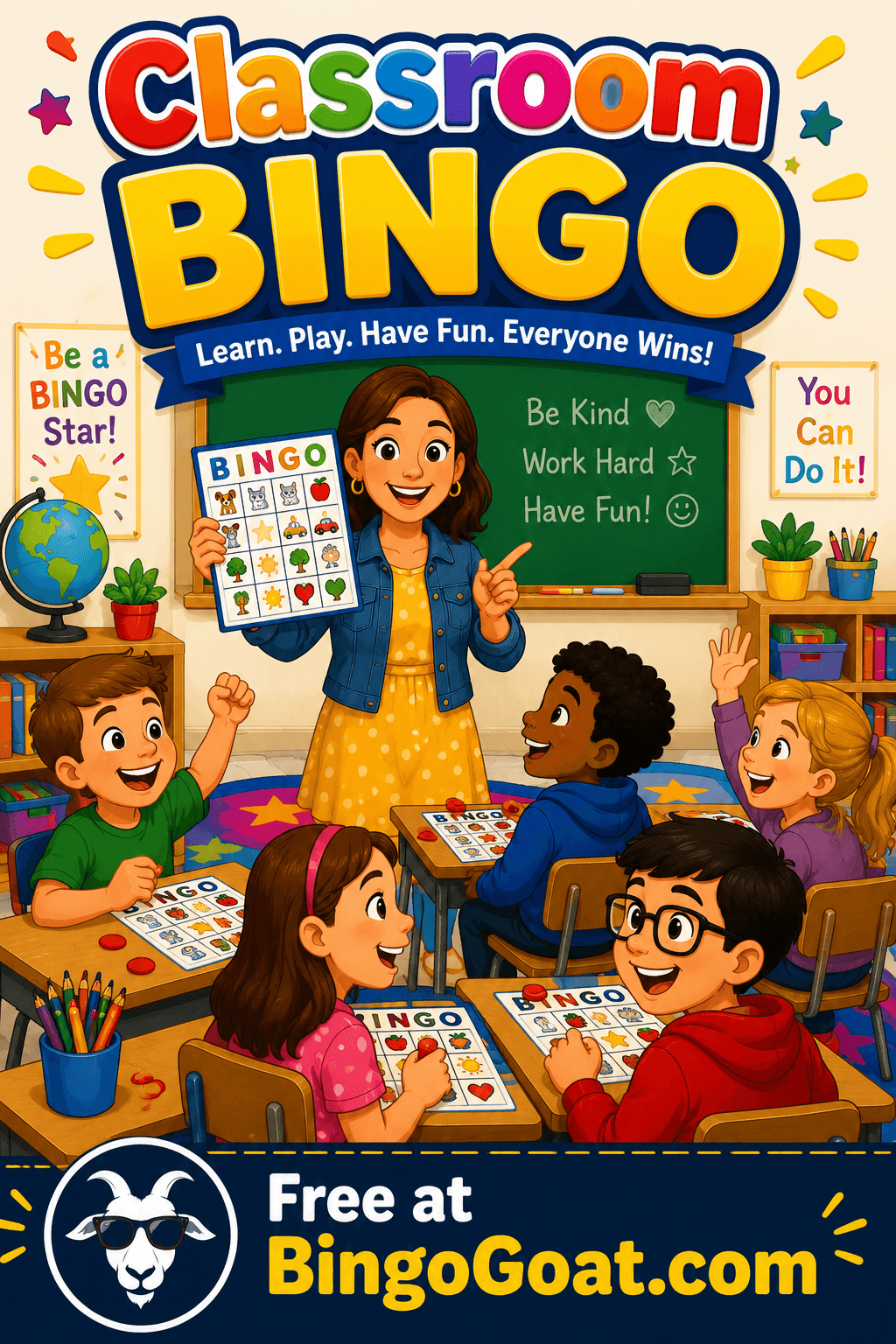
For shapes, Picture Bingo is ideal. BingoGoat lets you create a game using images from the built-in gallery, so young readers are not stuck decoding long words on every square. Open the editor, choose Picture Bingo, pick your shapes (or related) images from the gallery, and launch. Students join from a single link on a tablet or Chromebook, no student accounts and no app install.
Start here: Create a free game on BingoGoat (select Picture Bingo and your shape images). Hosts sign in to create the game; players only need the link you share.
How to run shapes bingo in class
Keep rounds short. Ten to fifteen minutes matches young attention spans. You can always play again tomorrow.
Model the first few calls. Point to the shape on your screen or hold up a real object so everyone connects the word to the picture.
Mix in “clues.” For example: “This shape has no corners” (circle) or “This one has six sides” (hexagon) to stretch thinking beyond memorization.
Celebrate effort. Let multiple students win in different rounds, or play “blackout” for a special Friday reward.
Extension ideas
After bingo, invite students to hunt for shapes in the classroom: “Who can find a rectangle?” Pair the game with read-alouds like Mouse Shapes or quick building challenges with pattern blocks. If you teach bilingually, call shapes in both languages, BingoGoat works in English, French, and Spanish for hosts and links, so you can match your program’s language of instruction.
Common questions from teachers
Do my students need accounts? No. On BingoGoat, only the host signs in to create and run the game. Players open your link and type a name.
Can I use this in a short math block? Yes. Set a 3×3 or 4×4 grid in the editor if you want a faster round; Picture Bingo still works the same way.
What if I don’t have a device for every child? You can project the host board and have students work in pairs, or alternate rounds so everyone gets a turn on a shared tablet.
Ready to play? Use our free Shapes Bingo template →
Ready to play?
Create your free shapes bingo game at BingoGoat.com, Picture Bingo, one link for the class, and a fun way to lock in shape vocabulary for kindergarten and Grade 1.